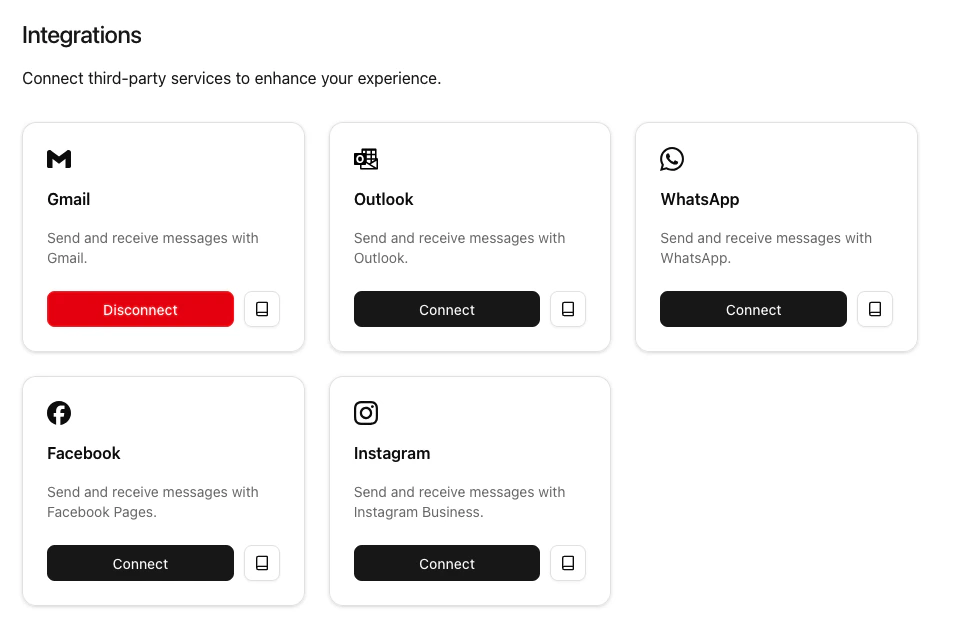
Gmail
Prerequisites
To connect your Gmail account to Connect-CRM, you need the following:- A Google account with access to Google Workspace.
Steps to Connect Gmail
- First navigate to the Integrations section in Connect-CRM. You can find this in the main menu under Settings > Connect and manage integrations.
- In the Integrations section, look for the Google integration and click on Connect.
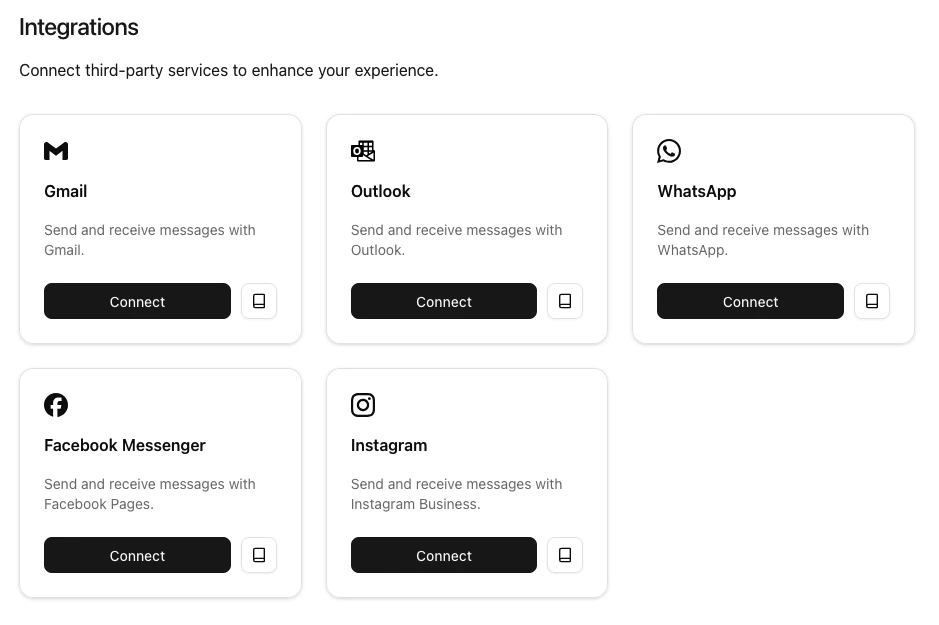
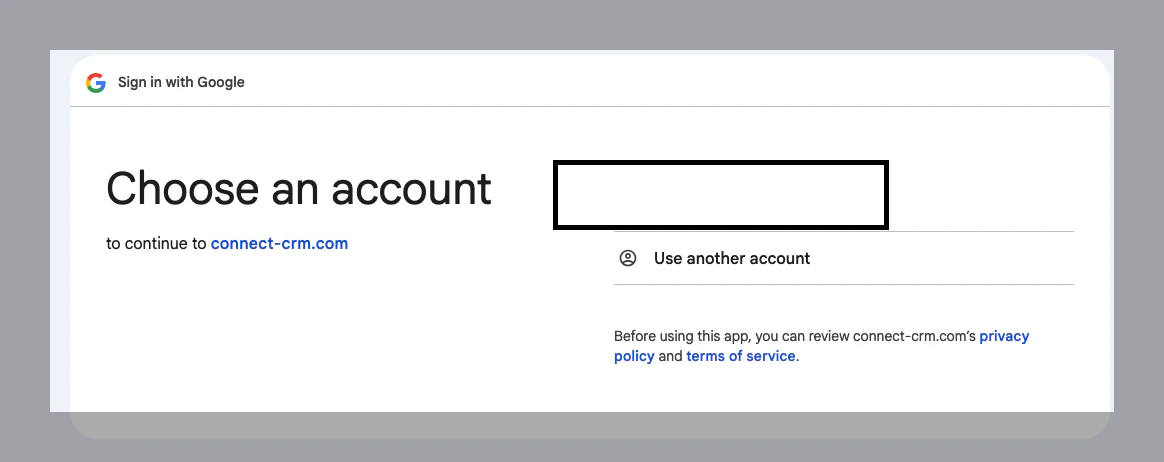
- You will be redirected to the Google authorization page. Log in with your Google account credentials.
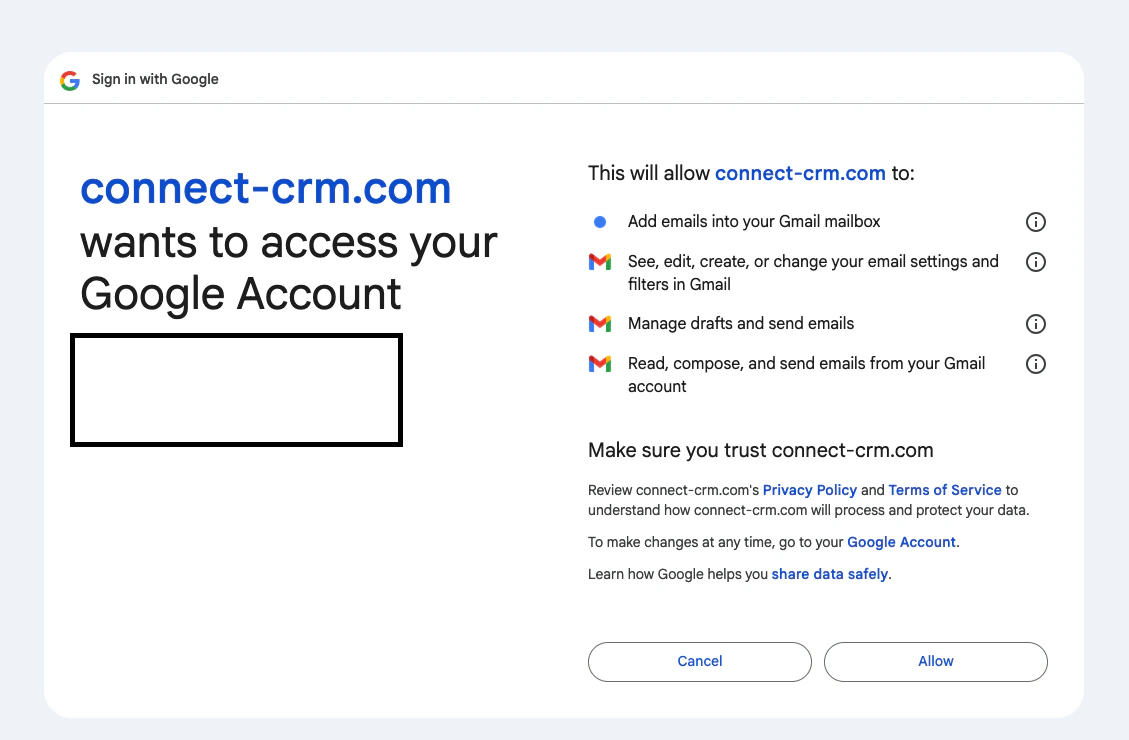
- Review the permissions requested by Connect-CRM and click Allow to grant access.
- Once authorized, you will be redirected back to Connect-CRM, and your Gmail account will be connected.