

General
This section provides general information about your workspace settings, including Workspace Name.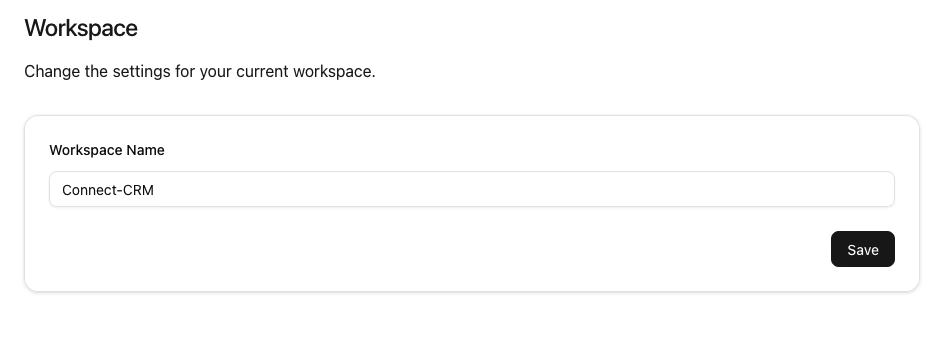
Members
This section allows you to manage workspace members, including viewing the number of members, modifying roles, removing members, inviting new members, and managing invitations.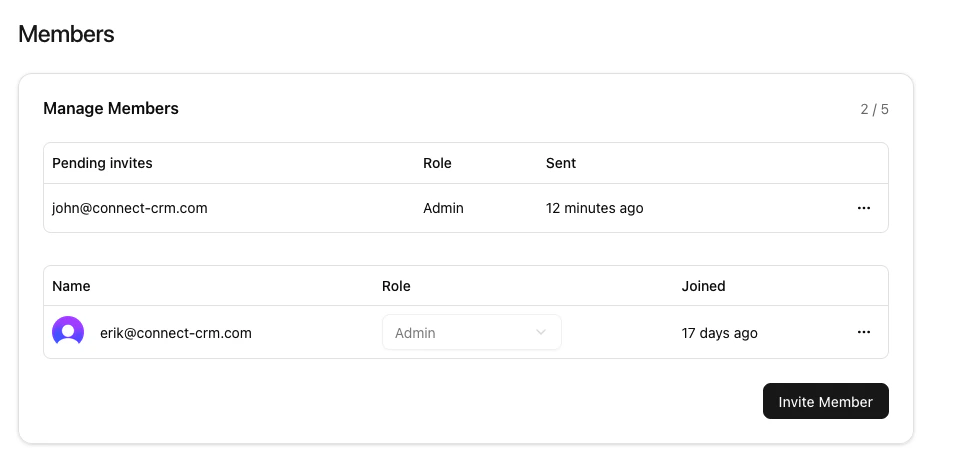
Number of Members
This shows the number of workspace members and invited members. In this example, there is member and 1 invited member, with a maximum of 5 members allowed in the workspace.Modify a workspace member’s role
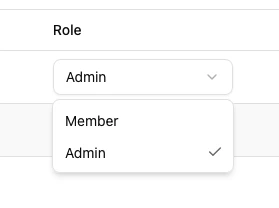
To modify a workspace member’s role, use the dropdown next to their email address.- Admins: Have full access to all workspace features and settings.
- Members: Have full access to workspace features but cannot manage workspace settings or members.
Remove a member from the workspace
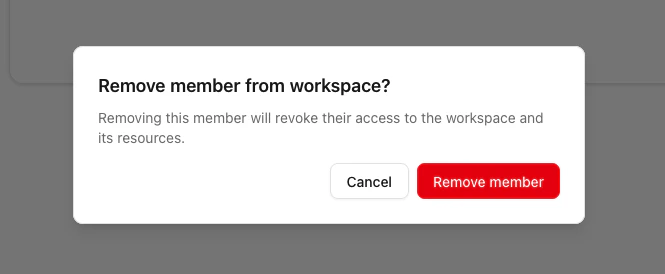
To remember a workspace member, click the three dots next to join date.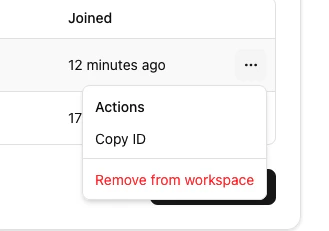
Removing a member will revoke their access to the workspace and its data.
On paid plans, removing a member automatically frees a billable seat — your
subscription’s seat count follows your active membership, and Stripe prorates
the change on your next invoice. See Billing
for details.
Invite new members
To invite new members to the workspace, click the “Invite Member” button.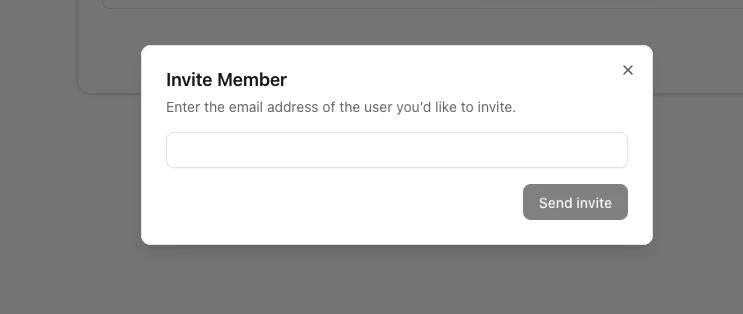
Invited members will receive an email invitation to join the workspace.