

Creating a Workspace
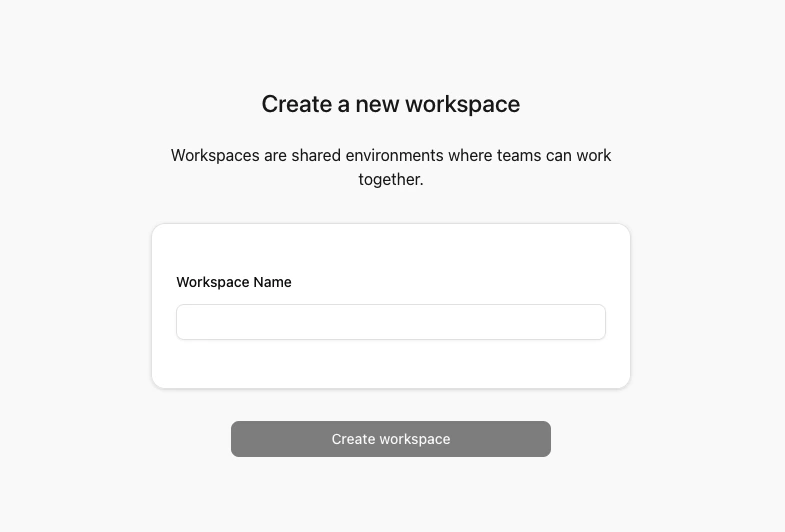
To create a new workspace in Connect-CRM, click on the Create or Join Workspace button in the Settings -> Switch workspace menu. On the next page, you need to add the details for the workspace, which includes:- Workspace Name: The name of your workspace.
General Notes
- Each workspace is isolated from others. Users, data, and settings are unique to each workspace.
- You can switch between workspaces using the Settings -> Switch workspace menu.