> ## Documentation Index
> Fetch the complete documentation index at: https://docs.connect-crm.com/llms.txt
> Use this file to discover all available pages before exploring further.
# Settings
> This section covers workspace management settings in Connect-CRM.
## General
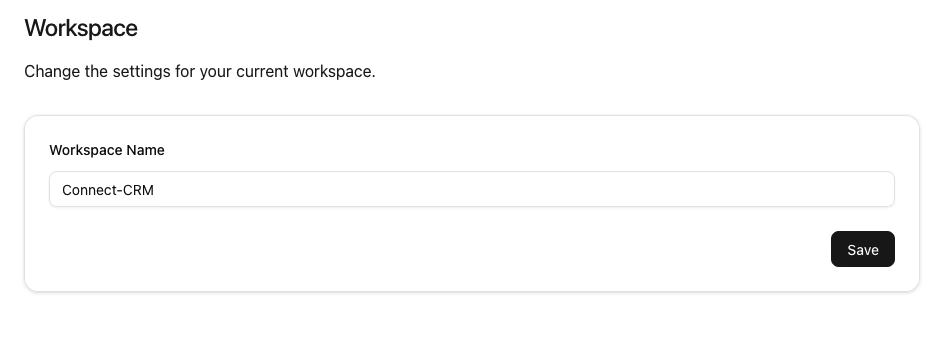
This section provides general information about your workspace settings, including Workspace Name.
 ## Members
This section allows you to manage workspace members,
including viewing the number of members,
modifying roles, removing members,
inviting new members, and managing invitations.
## Members
This section allows you to manage workspace members,
including viewing the number of members,
modifying roles, removing members,
inviting new members, and managing invitations.
 ### Number of Members
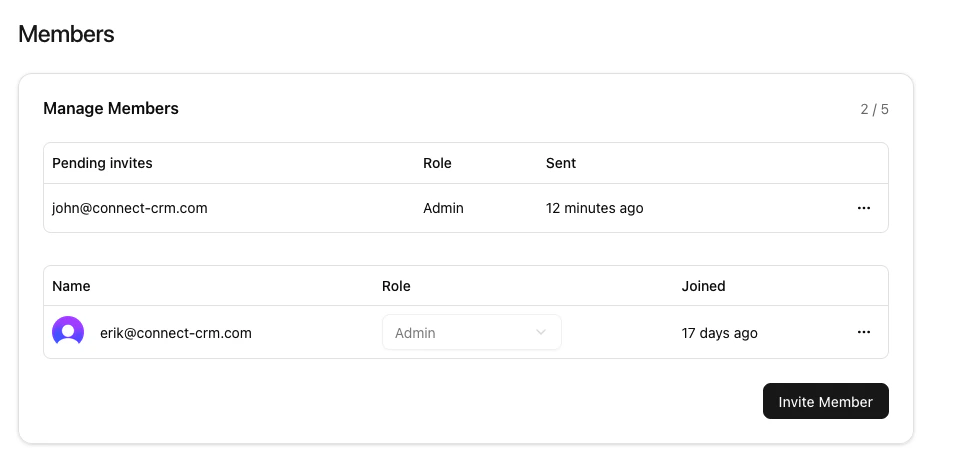
This shows the number of workspace members and invited members.
In this example, there is member and 1 invited member,
with a maximum of 5 members allowed in the workspace.
### Modify a workspace member's role
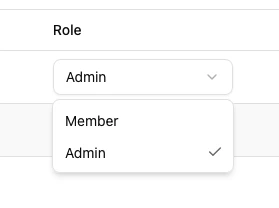
To modify a workspace member's role, use the dropdown next to their email address.
* **Admins**: Have full access to all workspace features and settings.
* **Members**: Have full access to workspace features but cannot manage workspace settings or members.
### Number of Members
This shows the number of workspace members and invited members.
In this example, there is member and 1 invited member,
with a maximum of 5 members allowed in the workspace.
### Modify a workspace member's role
To modify a workspace member's role, use the dropdown next to their email address.
* **Admins**: Have full access to all workspace features and settings.
* **Members**: Have full access to workspace features but cannot manage workspace settings or members.
 ### Remove a member from the workspace
To remember a workspace member, click the three dots next to join date.
### Remove a member from the workspace
To remember a workspace member, click the three dots next to join date.
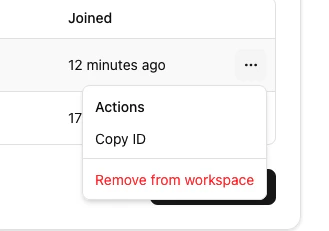 Removing a member will revoke their access to the workspace and its data.
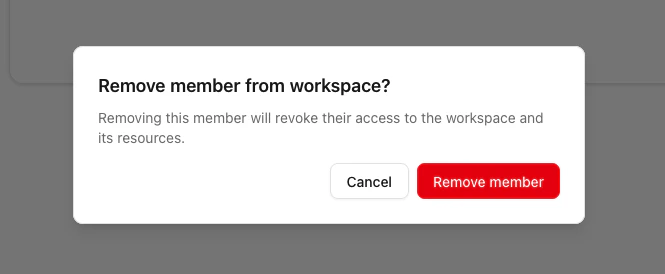
Before they are removed, a confirmation dialog will appear to prevent accidental removals.
Removing a member will revoke their access to the workspace and its data.
Before they are removed, a confirmation dialog will appear to prevent accidental removals.
 On paid plans, removing a member automatically frees a billable seat — your
subscription's seat count follows your active membership, and Stripe prorates
the change on your next invoice. See [Billing](/workspace-management/billing)
for details.
### Invite new members
To invite new members to the workspace, click the "Invite Member" button.
On paid plans, removing a member automatically frees a billable seat — your
subscription's seat count follows your active membership, and Stripe prorates
the change on your next invoice. See [Billing](/workspace-management/billing)
for details.
### Invite new members
To invite new members to the workspace, click the "Invite Member" button.
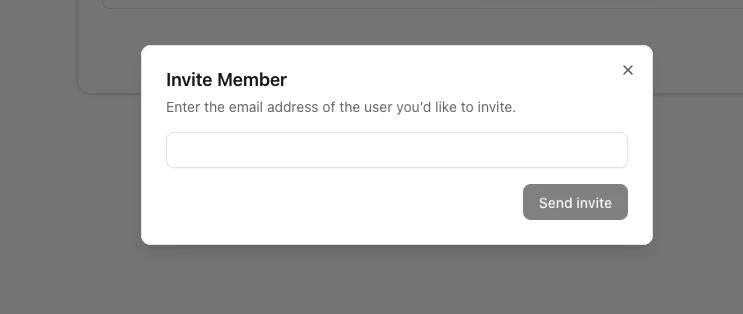 Invited members will receive an email invitation to join the workspace.