> ## Documentation Index
> Fetch the complete documentation index at: https://docs.connect-crm.com/llms.txt
> Use this file to discover all available pages before exploring further.
# Manage
> Organize your users in Connect-CRM
## Creating a Workspace
To create a new workspace in Connect-CRM, click on the **Create or Join Workspace** button in the **Settings -> Switch workspace** menu.
On the next page, you need to add the details for the workspace, which includes:
* **Workspace Name**: The name of your workspace.
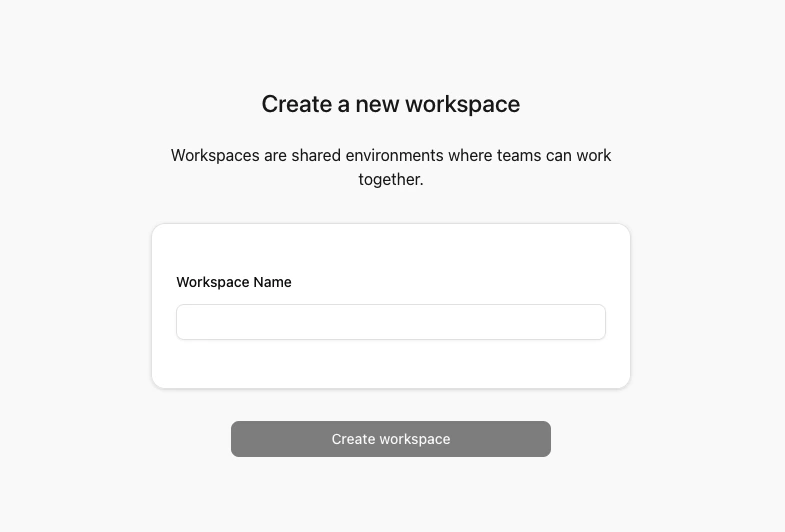 After creating the workspace, you will be redirected to the workspace dashboard. This is where your journey with Connect-CRM begins!
## General Notes
* Each workspace is isolated from others. Users, data, and settings are unique to each workspace.
* You can switch between workspaces using the **Settings -> Switch workspace** menu.
After creating the workspace, you will be redirected to the workspace dashboard. This is where your journey with Connect-CRM begins!
## General Notes
* Each workspace is isolated from others. Users, data, and settings are unique to each workspace.
* You can switch between workspaces using the **Settings -> Switch workspace** menu.